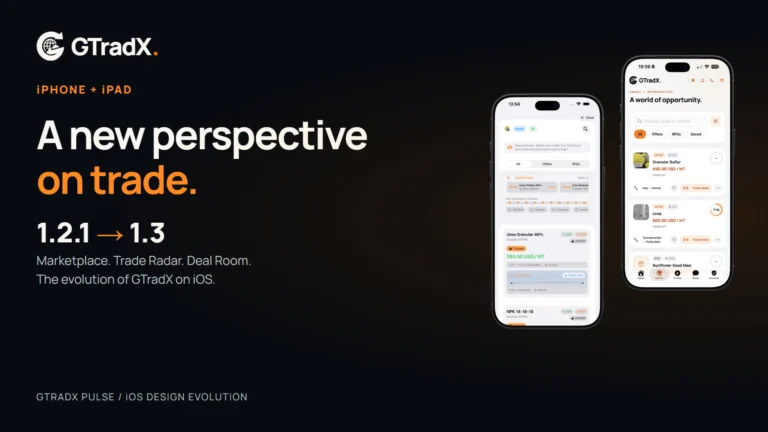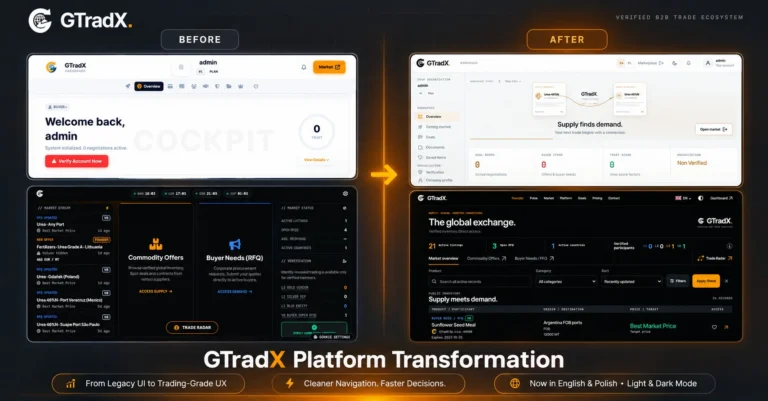

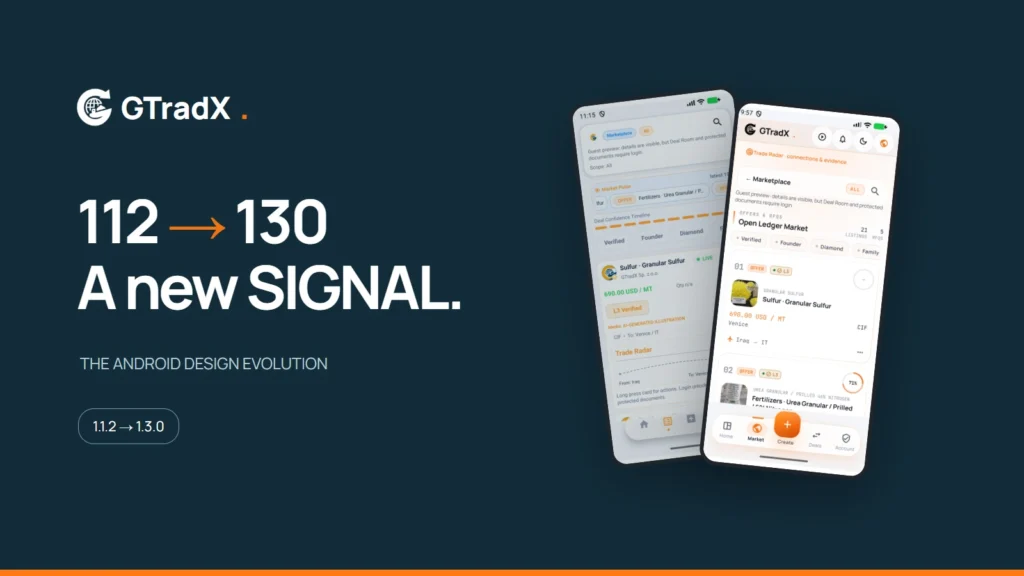

A trading workspace deserves more than a new colour
The journey from GTradX Android 1.1.2, build 112, to SIGNAL 1.3.0, build 130, began with a practical question: how can a professional trading platform feel clear and comfortable on a phone?
The earlier application brought the platform’s tools to mobile. The next step was to rethink how those tools share a small screen. Large decorative areas, repeated headings and crowded controls could compete with the information a trader actually needed. Changing the palette alone would not solve that problem.
SIGNAL introduces a stronger visual hierarchy and a more deliberate use of space. Its warm light theme, contrasting text and orange accents separate information from action. A coordinated dark theme carries the same structure into a different viewing environment. The aim is a recognisable GTradX experience that remains useful during everyday work.
An entrance that belongs to the product
The access screen now introduces the trading workspace through a geographic scene and a clearer arrangement of sign-in, registration and guest access. The brand mark stays legible in both themes. Buyers and vendors enter through distinct registration paths, with account presentation designed to explain the role they are choosing.
This is a presentation change around a real registration process. Email verification, OTP entry and the existing account rules remain part of that process; a membership card does not replace verification or grant trading privileges.
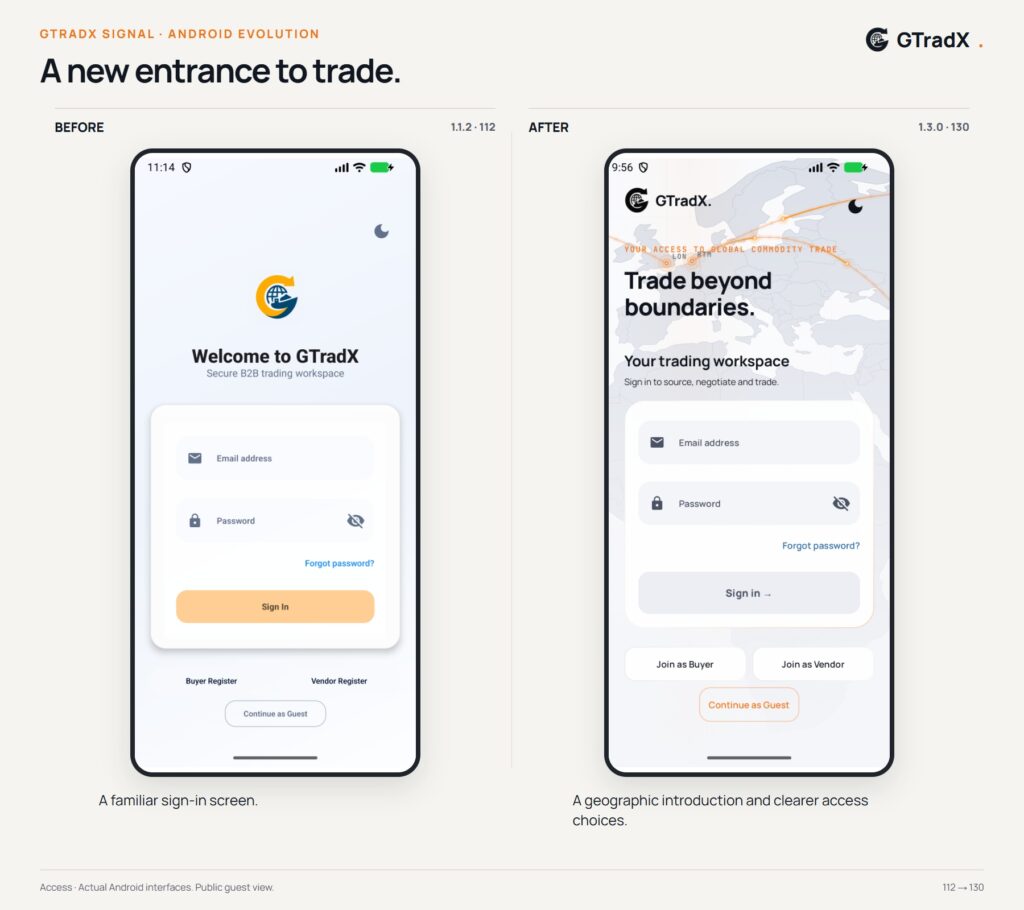
Comparison 1: Access — a new introduction to the workspace
Home becomes a place to orient yourself
The new Home combines a geographic view with an operational summary. The map gives the application context, while the information below it helps users find the next relevant action. The data workspace offers another way to work: less visual background and more room for information.
Geographic routes are a visual aid. They do not represent live aircraft or vessel tracking, and they should not be read as guaranteed transport routes or delivery estimates. Account-specific information still depends on the signed-in user and the access granted by the platform.
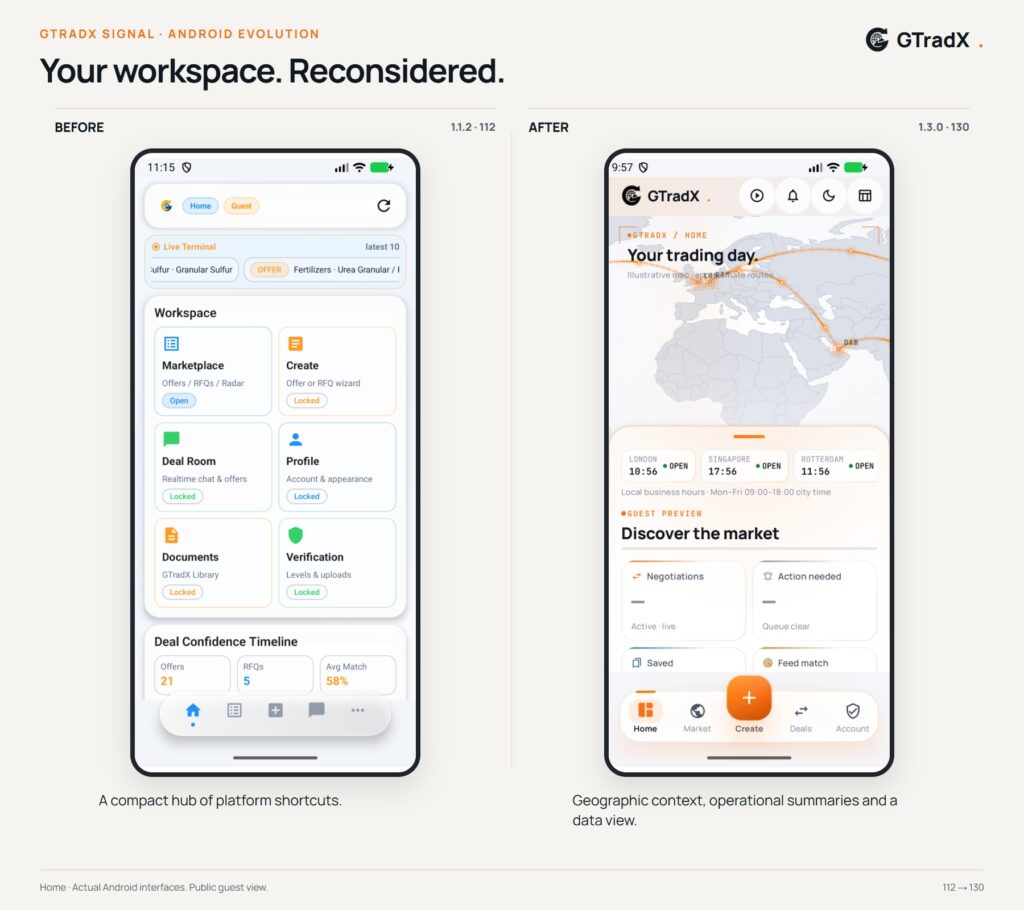
Comparison 2: Home — geographic context and a clearer information hierarchy
A marketplace built for reading
Marketplace cards now give product imagery a dedicated thumbnail area. Price, currency, Incoterm, volume and port are separated into recognisable information blocks. The product name and route remain visible alongside them.
The result is an interface designed for comparison. Users can scan the details of several listings without having to decode a crowded card. Data workspace mode reduces the map’s presence when the list itself is the priority.
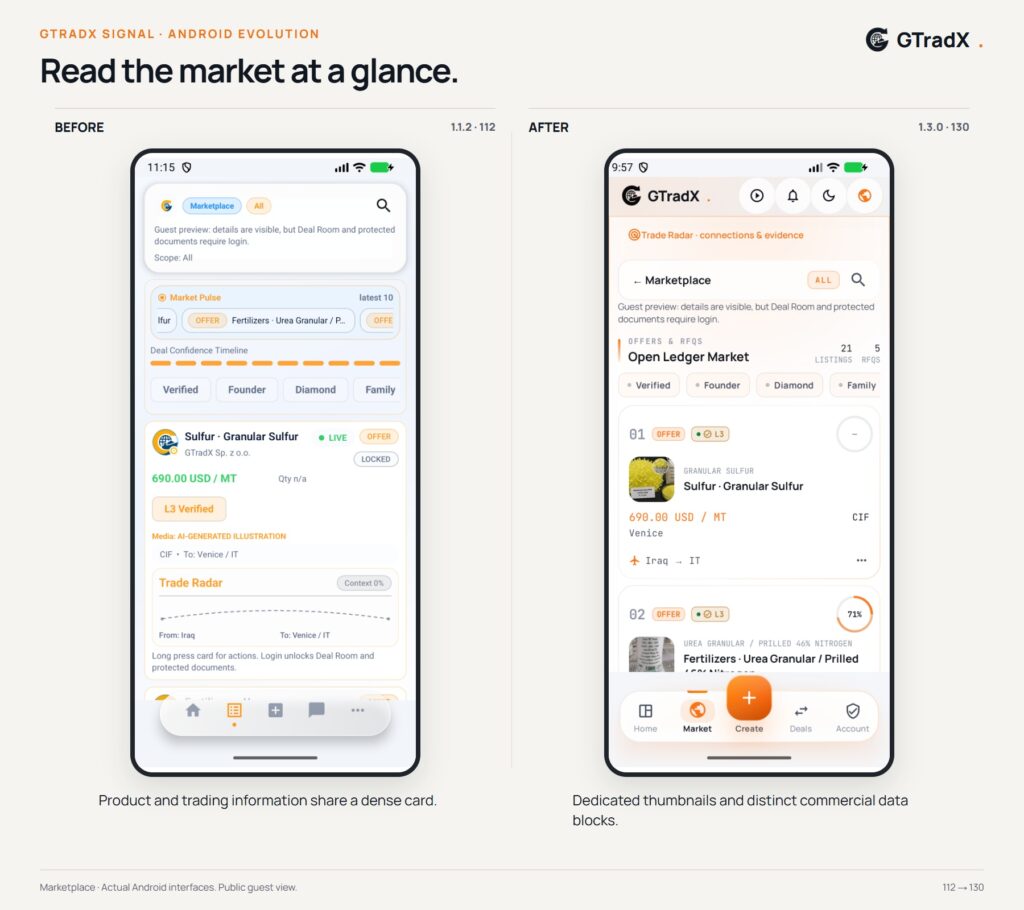
Comparison 3: Marketplace — clearer cards and better use of product imagery
Opening a listing should reveal the substance
A listing is more than its price. The detail view brings together the description, commercial conditions, imagery and related information. Image provenance — including real photographs and AI-generated material where declared — remains part of the listing information. Supplier identity and available actions follow the platform’s visibility and permission rules.
Trade Radar retains server-provided matching logic. The redesign changes how scores and their supporting information are presented; it does not manufacture higher percentages or introduce a different scoring formula simply to make the interface look better. A missing score is not treated as a real zero match.
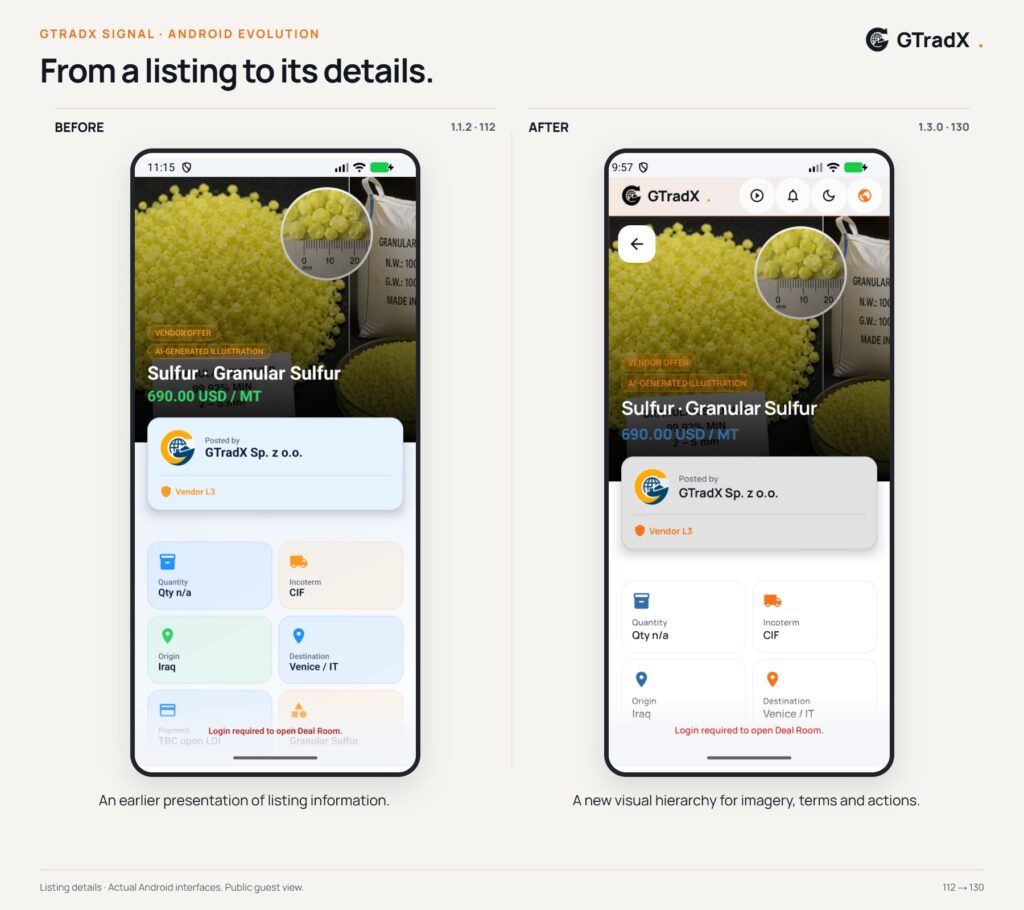
Comparison 4: Listing details — from scanning to understanding
More space for the work itself
Creation and negotiation received particular attention. The offer and RFQ wizard uses a focused four-stage workspace, with a compact progress header and controls placed around the task. Global navigation steps aside while the user completes the flow.
The Deal Room follows the same principle. Conversation history needs room to breathe, and the message composer must remain useful when the keyboard opens. A dedicated conversation layout gives these activities priority over repeated headings and surrounding navigation.
Account navigation has also been simplified. The plan is shown as information rather than an in-app purchase flow, while the Founder application follows its own eligibility and terms. Documents use file-type markers to make different formats easier to recognise.
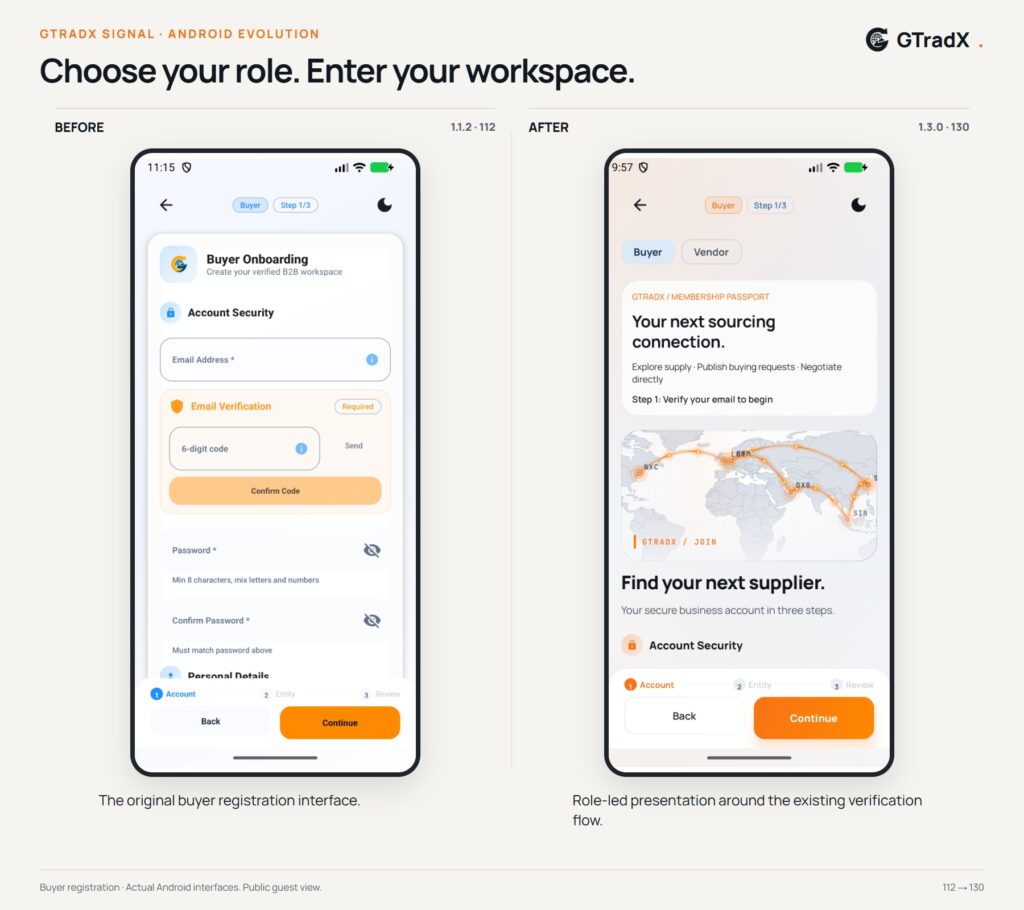
Comparison 5: Buyer registration — a more coherent entry into the platform
One interface, the same trading foundations
The change from 112 to 130 is a change in how GTradX presents its mobile workspace. Buyer and vendor permissions, verification, listing visibility and negotiation rules remain essential to that experience. Design should make those rules easier to understand, not bypass them.
The accompanying images show actual Android interfaces. Version 112 was reconstructed from the original release source, and version 130 was captured from the SIGNAL application. Public listing data reflects the capture session, not a historical record of prices or transactions. These comparisons document the interface’s evolution; they do not promise access to every module for every account.